


.png)


 Call Us
I know what you're already thinking.
Aren't pop-ups spam?!
We're all familiar with those annoying virus-like pop-ups that used to pitch everything from gambling sites to scam offers and security threats. From overuse and abuse the pop-up window came to represent the seedy underbelly of the internet; an ugly side that we'd rather block or erase from our screens entirely.
Thankfully, those kinds of pop-ups are mostly a thing of the past and we're glad they're gone! But that doesn't mean that the concept can't still be used in a way that's mutually beneficial for both websites and users.
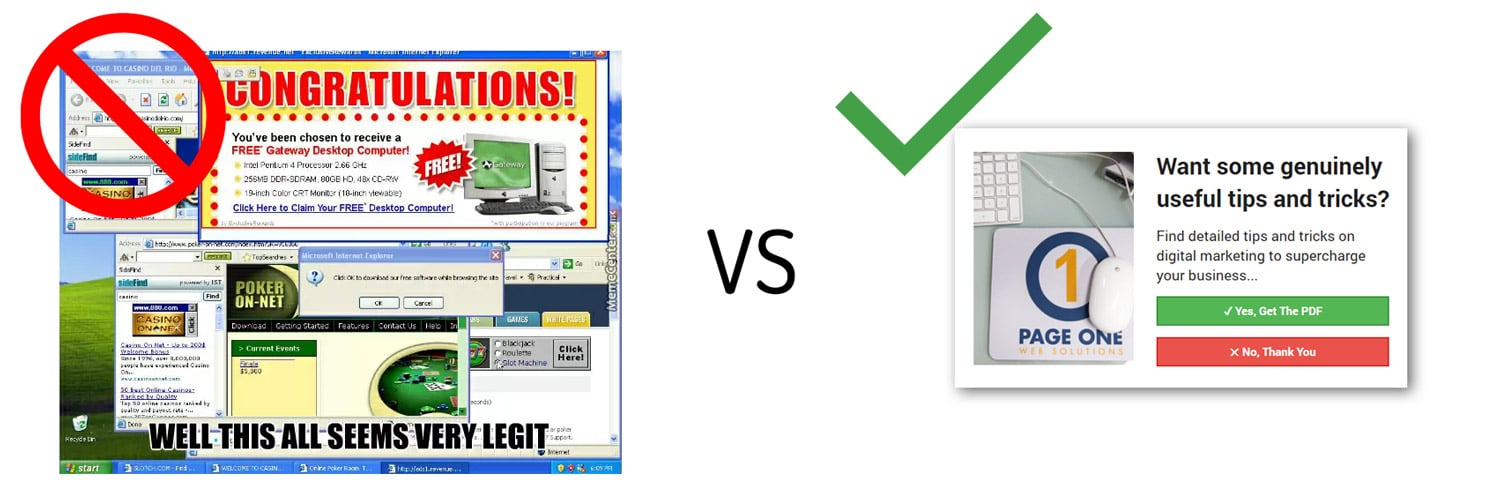
So long as pop-ups are non-intrusive and offer a genuine added value to the user, they can still be very effective at:
- Lead generation
- Increasing eCommerce conversions
- User engagement
- Prospect segmenting
- Offer/sale awareness
- ...and more!
Pop-Up Types in 2020
In fact, the idea of a "pop-up" has changed so much from what it once was, it's even gotten a new name! When it comes to modern use cases, "pop-ups" are now know as modals, lightboxes, scroll boxes, floating bars, or interstitials. Since the concept has evolved from the basic pop-up, each name entails a specific set of characteristics.
Modal Window / Lightbox
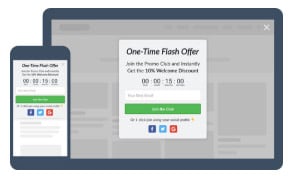 A modal or lightbox appears over the main window content in the center of the screen. The main window will typically get greyed out, but still remain visible. Users cannot continue browsing the site until they interact with or dismiss the modal. Great for:
- content offers
- sale promotions
- lead generation
- gamification
Scroll Box
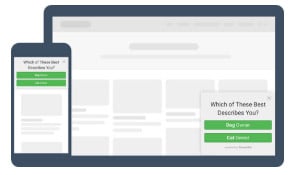 A scroll box appears at the bottom corner of the screen without changing the way main content is displayed. Users can still browse the site without interacting with or closing out the scroll box. Great for:
- content offers
- nudging
- segmentation surveys
- discount offers
Floating Bars
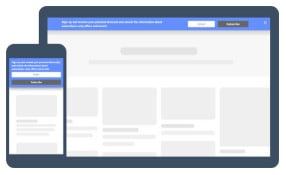 Floating bars appear along the top or bottom edge of the content window without changing the way main content is displayed. Users can still browse the site without interacting with or dismissing the floating bar. Great for:
- Notifications
- Countdown sales
- Deadline sales
- subscription signups
Interstitials
 Interstitials appear in front of the entire main content screen. They offer the most space for including content/information and are most effective at capturing attention, but are also the most invasive. Great for:
- Exit interruption
- Welcome giveaway screens
- welcome discount screens
- simple content gating
Pop-Ups for Conversion Rate Optimization
Pop-ups aren't just cool graphical elements. They are an interactive way to improve conversion rate and generate more leads or sales from your website!
Lead Generation
With fully integrated forms, you can collect new leads straight from a pop-up window. Incentivize users with a content offer, subscription, discount, promotion, or other value add. See the following examples:
eCommerce Conversions
With the ability to offer discount codes and increase engagement with gamification, you can drive more eCommerce conversions. Incentivize users with discounts, promotions, games, giveaways, sweepstakes, or whatever else you can dream up! See the following examples:
Triggering: When Do Pop-Ups Appear?
The most powerful aspect of pop-ups is the ability to dynamically serve them based on any combination of conditions or rules. Pop-ups can be displayed or hidden based on:
- URL
- Source Channel
- Page scroll
- Time on page
- Exit Intent (cursor moving towards "back" button)
- Element or URL interaction
- Interaction with other pop-ups
- ...and more!
Showing the right message to the right user at the right time is paramount to conversion. Use pop-ups to display relevant messaging that will move users down the marketing funnel!
Interested in learning more about Conversion Rate Optimization?

Insights that drive informed decisions
Get practical frameworks, proven playbooks, and growth stories from teams building smarter systems.
The Content King Is Dead, Long Live Context
I spent three days at UNBOUND 26 about a month ago, and if I had a dollar for every time someone said "context," I...
.png?width=450&name=brand-announcement-lp%20(1).png)
Introducing GrowthTech Partners
Twenty years ago, I left a job at an industrial directory company with a simple observation: Google was about to change...

The New Era of Search: What GEO & AEO Mean for Modern...
We are in the midst of a shift from classic, keyword-driven SEO to generative engine optimization (GEO) and answer...